ContactOne does the slow part - looking at every contact, figuring out which ones are the same person, and spotting the details worth tidying - so you only ever see the decisions that matter.
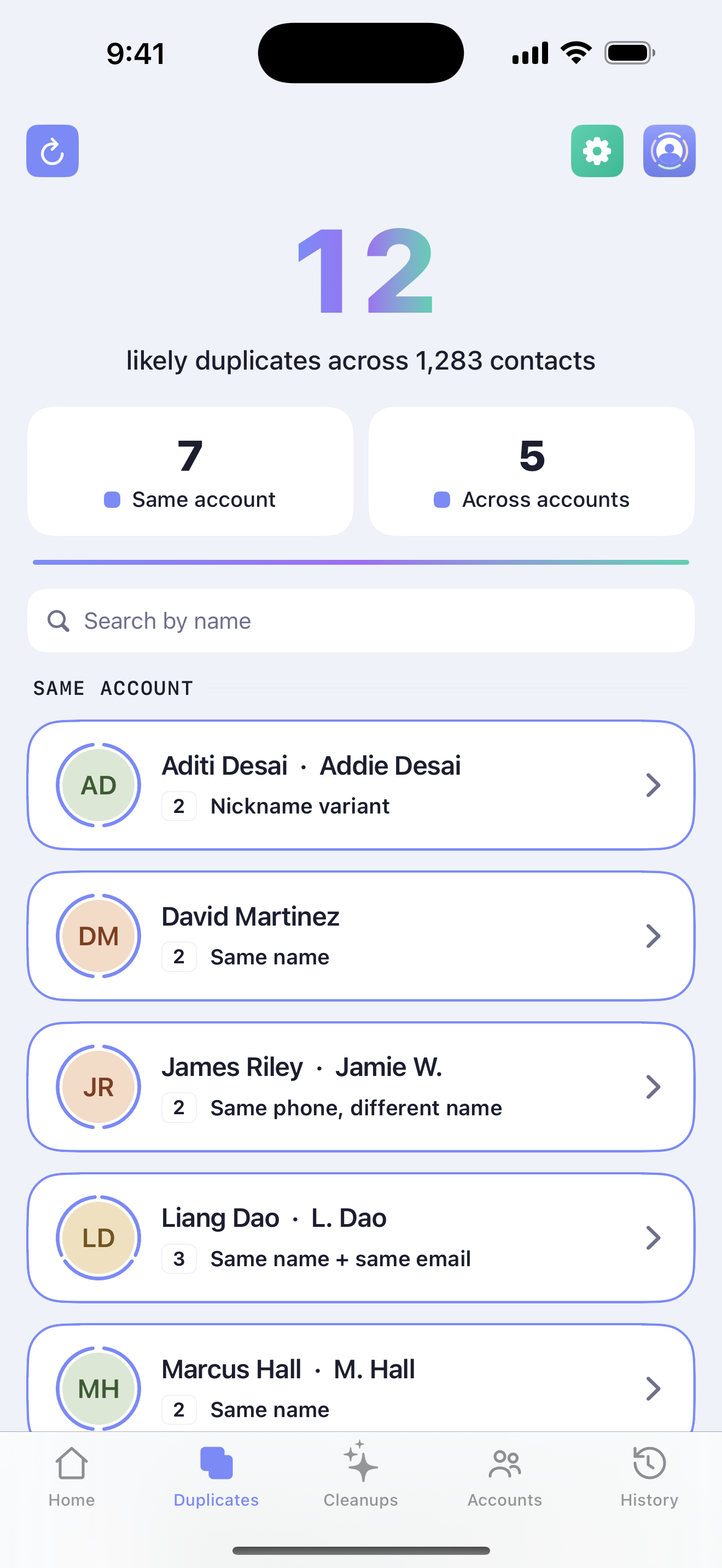
One iOS permission prompt. ContactOne reads your local contacts directly - no upload, no signup, no account. You can try a sample dataset first if you'd rather peek.
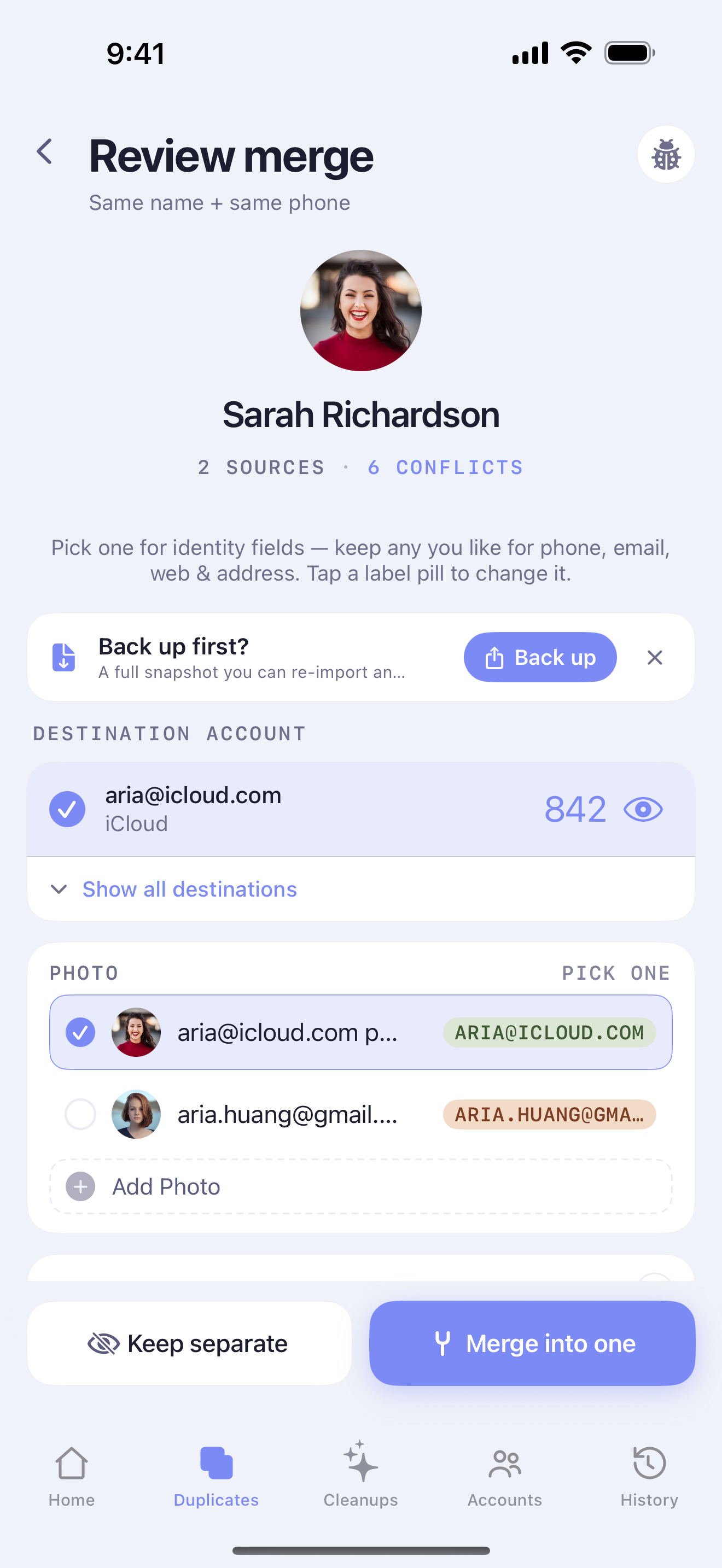
ContactOne shows you side-by-side what it thinks belongs together, labelled by source account. You pick the photo, the name, the right number, and where the merged contact should live. The rest is auto-merged from what's already consistent - and if it isn't the same person, Keep separate retires the suggestion for good.
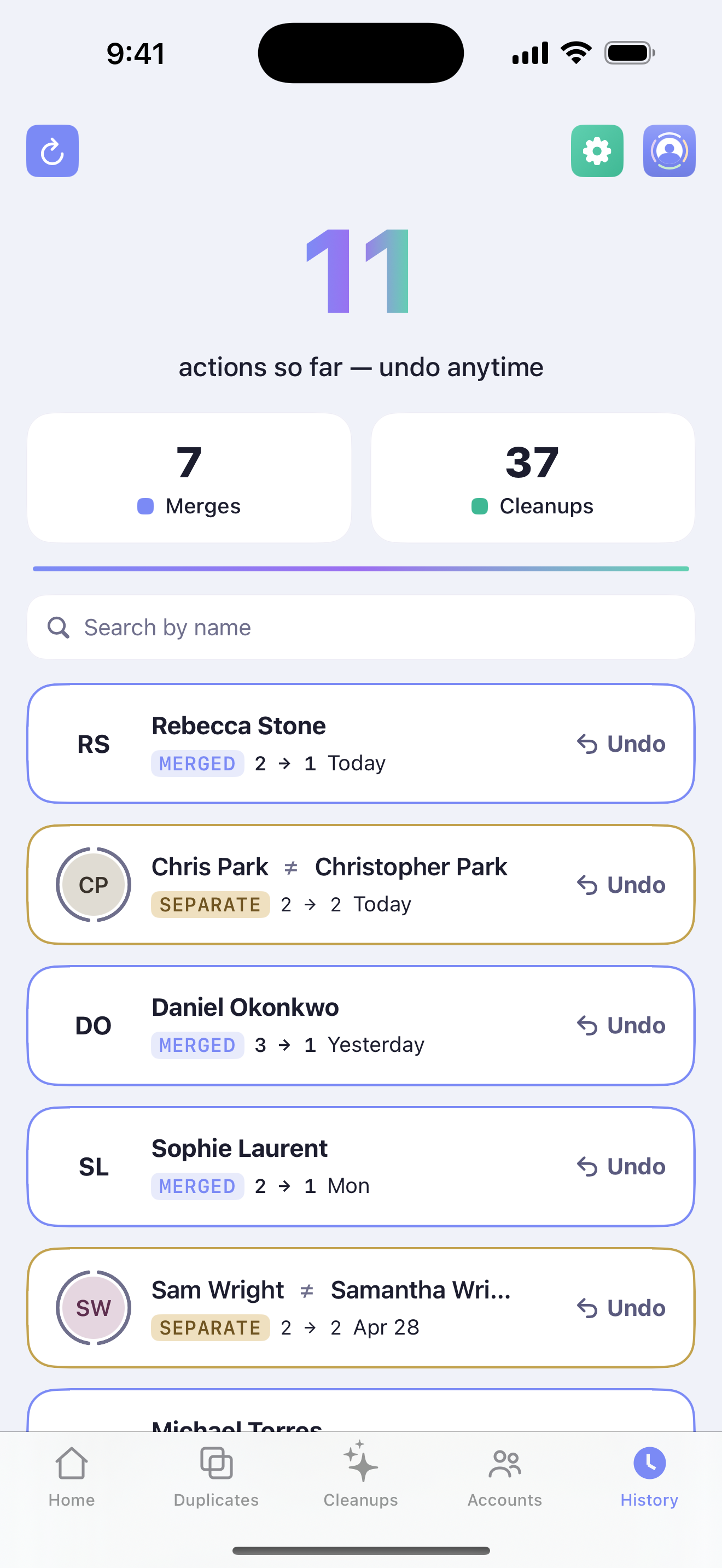
Merges and cleanups write through to iCloud / Google / Microsoft like any other contact edit. Anything you regret, the History tab reverses with one tap - merges and “kept separate” decisions alike.
